What is game feel, and why does it matter?
The invisible details that separate games you can't put down from games you close after 30 seconds. A non-technical guide to the most important concept in game design.
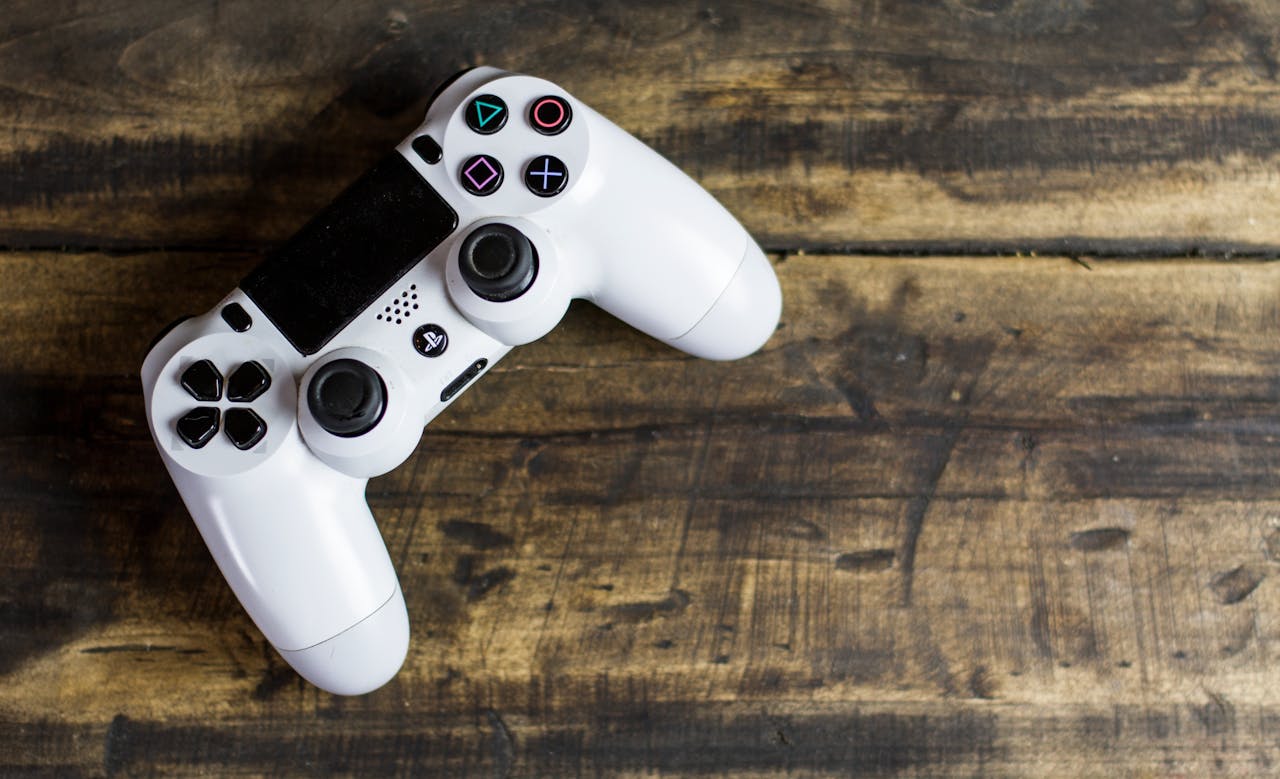
You've felt it before, even if you've never had a name for it.
You pick up a game and within seconds, something clicks. The character responds instantly to your input. Jumping feels weightless in exactly the right way. Hitting an enemy sends a ripple through the screen. Landing after a big fall makes the camera dip and dust scatter. Everything feels... right.
That's game feel. And it's the single biggest reason some games are addictive while others get deleted after thirty seconds.
In this article, we'll break down what game feel actually is, why it matters more than graphics or story, and why it's the hardest thing for AI tools to get right.
It's not about graphics or story
Game feel has nothing to do with how a game looks or what it's about. Some of the best-feeling games in history have simple pixel art. Some of the most visually stunning games feel terrible to play.
Game feel is about the relationship between what you do and what happens on screen.
Press a button — how quickly does the character respond? How does the animation blend into the next one? What sound plays? Does the camera react? Does anything in the environment change?
When all of these micro-responses are tuned well, the game feels alive. When they're missing, the game feels like a homework assignment.
Think about it this way: you can have a game with breathtaking 3D graphics, a sweeping orchestral soundtrack, and a deep narrative — but if the character slides around like they're on ice, if the jumps feel floaty and imprecise, if attacking an enemy produces no visual or audio feedback... the player will put it down.
Conversely, a simple 2D game with pixel art can be utterly addictive if every action feels crisp, responsive, and satisfying.
The invisible ingredients of a great jump
Let's take the simplest, most fundamental mechanic in gaming: the jump. Here's what goes into making a jump feel great — the kind of jump you don't even think about, because it just works.
Input forgiveness (Coyote Time)
If you press the jump button a tiny bit late — say, a few frames after you've already walked off a ledge — the game still lets you jump. This is called "coyote time" in game design, and it exists in virtually every great platformer ever made.
Players don't notice this feature. They absolutely notice when it's missing. Without coyote time, players constantly feel like "the game ate my input" — they pressed jump, they know they pressed jump, but nothing happened. It feels broken. In reality, they were just a few milliseconds late.
The difference between a 6-frame coyote window and a 0-frame window is the difference between "this game feels great" and "this game is janky."
Variable jump height
Hold the button longer, jump higher. Tap it quickly, do a short hop. This gives players precise control over their arc without them having to think about it consciously.
In technical terms, this means cutting the upward velocity when the player releases the button early. It sounds simple, but the curve of deceleration matters enormously. Too sharp and the jump feels clipped. Too gradual and short hops don't feel distinct from full jumps.
Landing weight and impact
When you hit the ground after a big jump, several things happen simultaneously in a well-polished game:
- The character briefly squishes (sprite stretches horizontally, compresses vertically)
- The camera dips slightly downward, then recovers
- A puff of dust particles appears at the character's feet
- A satisfying thud sound plays, pitched based on fall distance
- For a brief moment (1-2 frames), the character can't move — this is landing lag, and it communicates weight
All of this happens in a fraction of a second. Your brain doesn't consciously register each element, but it reads the combined effect as "impact." Remove any one of these, and the landing feels floaty and disconnected.
Responsive movement
The character starts and stops quickly. There's minimal delay between pressing a direction and seeing movement. The animation snaps to match the input state.
This doesn't mean instant — a tiny amount of acceleration (2-4 frames to reach full speed) actually feels better than perfectly instant movement, because it gives the brain a sense of momentum. But it has to be fast enough that the player never feels like they're fighting the controls.
And that's just one mechanic
This is just the jump. A full game has dozens of mechanics — combat, movement, menu navigation, collecting items, taking damage, opening doors, dialogue interactions — and each one needs this level of attention.
A single combat hit might involve: hit-stop (freezing both characters for 2-3 frames), screen shake, a directional knockback with easing, a flash of white on the damaged character, particle effects at the impact point, a crunchy sound effect, camera zoom, and a health bar that depletes with a satisfying animation rather than snapping to the new value.

Why game feel is so hard to achieve
Game feel is hard because it lives in the details. There's no single setting you can toggle to make a game "feel good." It's the accumulation of hundreds of tiny decisions, each one requiring taste and context.
It's contextual. The right amount of screen shake for a sword hit is wrong for a gunshot. The right landing weight for a heavy knight is wrong for a nimble cat. Every game needs its own calibration.
It's subjective but convergent. While personal taste varies, the game design community has converged on many best practices through decades of iteration. Coyote time, variable jump height, hit-stop — these aren't opinions, they're proven techniques. But knowing when and how much to apply them requires judgment.
It's invisible when done right. Players never say "wow, the coyote time in this game is perfectly tuned." They say "this game feels amazing" or "I can't put this game down." The polish is invisible — which means it's easy for developers (and AI tools) to skip it.
It crosses every discipline. Game feel isn't just programming. It's animation (squash and stretch), audio (impact sounds, ambient feedback), visual effects (particles, screen shake, flashes), camera work (smooth follow, anticipation), and design (input windows, timing curves). Getting it right requires all of these working in harmony.
Why AI game tools skip it
Most AI game generators treat a "jump" as a single line of logic: when the player presses a button, apply upward force. That's technically correct. It's also about 10% of what makes a jump feel good.
The other 90% — the forgiveness windows, the variable height, the visual and audio feedback, the camera behavior — requires understanding game design principles that aren't captured in a simple code prompt.
When you tell an AI "make a platformer," it generates:
- A character that moves left and right ✓
- Platforms with collision detection ✓
- A jump that applies upward velocity ✓
- Gravity that pulls the character down ✓
What it doesn't generate:
- Coyote time ✗
- Variable jump height ✗
- Squash and stretch animations ✗
- Landing particles and camera dip ✗
- Tuned acceleration curves ✗
- Impact sounds matched to fall distance ✗
- Input buffering ✗
The result is a game that works but doesn't feel like anything. It's functional, but forgettable.
Making game feel automatic
At Exekite, we believe game feel shouldn't be something creators have to ask for. When you describe a game with a jump mechanic, the polish should come built in. Every action should feel satisfying by default.
That's why we built a dedicated system — essentially a specialized AI whose only job is to think about how things feel. For every mechanic in your game, it asks:
- Does this respond instantly to player input?
- Is there appropriate visual feedback?
- Is there audio feedback that matches the action?
- Does the camera react appropriately?
- Is there forgiveness built into the input timing?
- Does the animation communicate weight and momentum?
- Are there particle effects that reinforce the action?
The result is something that other AI tools simply can't produce: a game that feels like it was made by someone who cares about every detail.
Because the best game feel is the kind you never notice — you just can't stop playing.